Reformat anything for your iPhone.
Formatista turns the awkward stuff into the right stuff: non-iOS-native video into MP4 saved to Photos, and image / PDF tickets into Apple Wallet passes — all on your device, all in a tap.
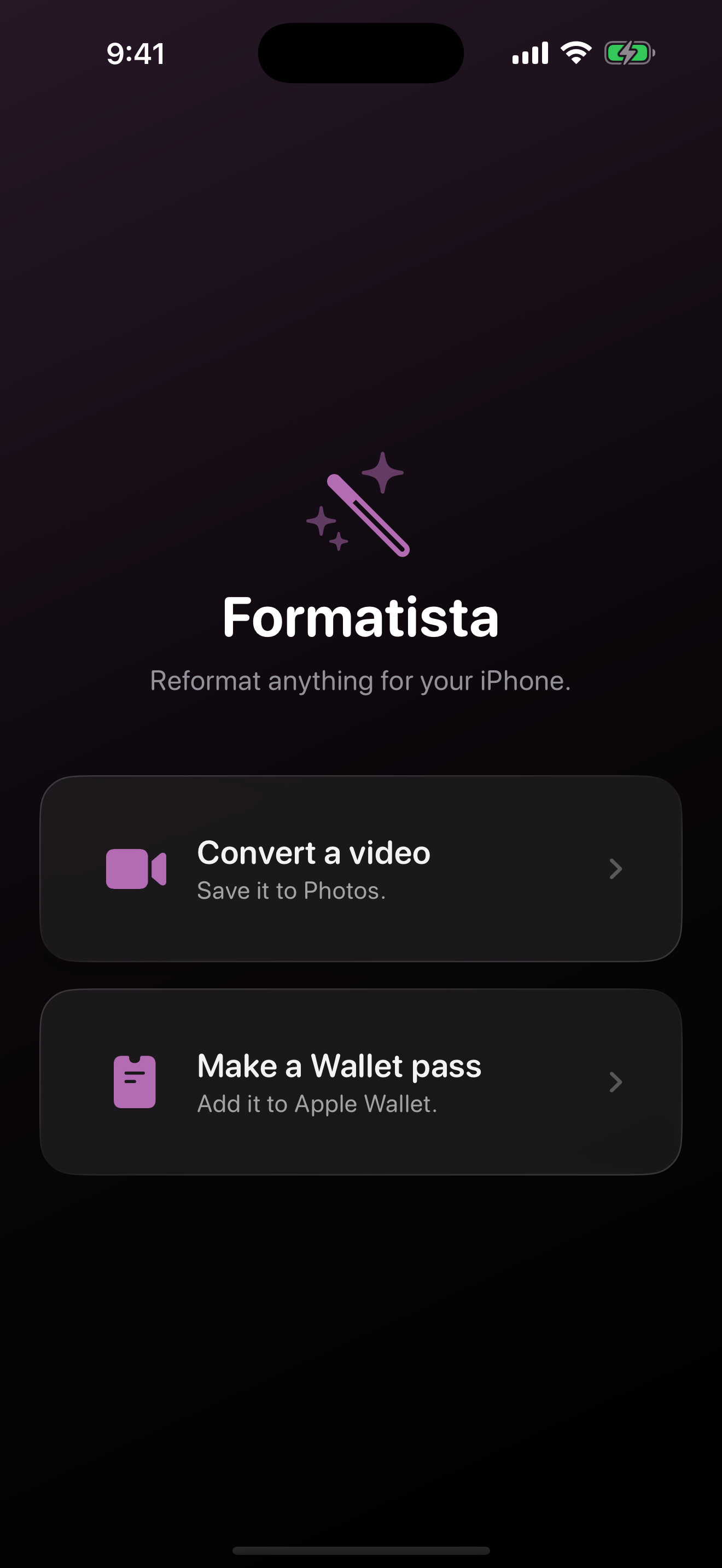
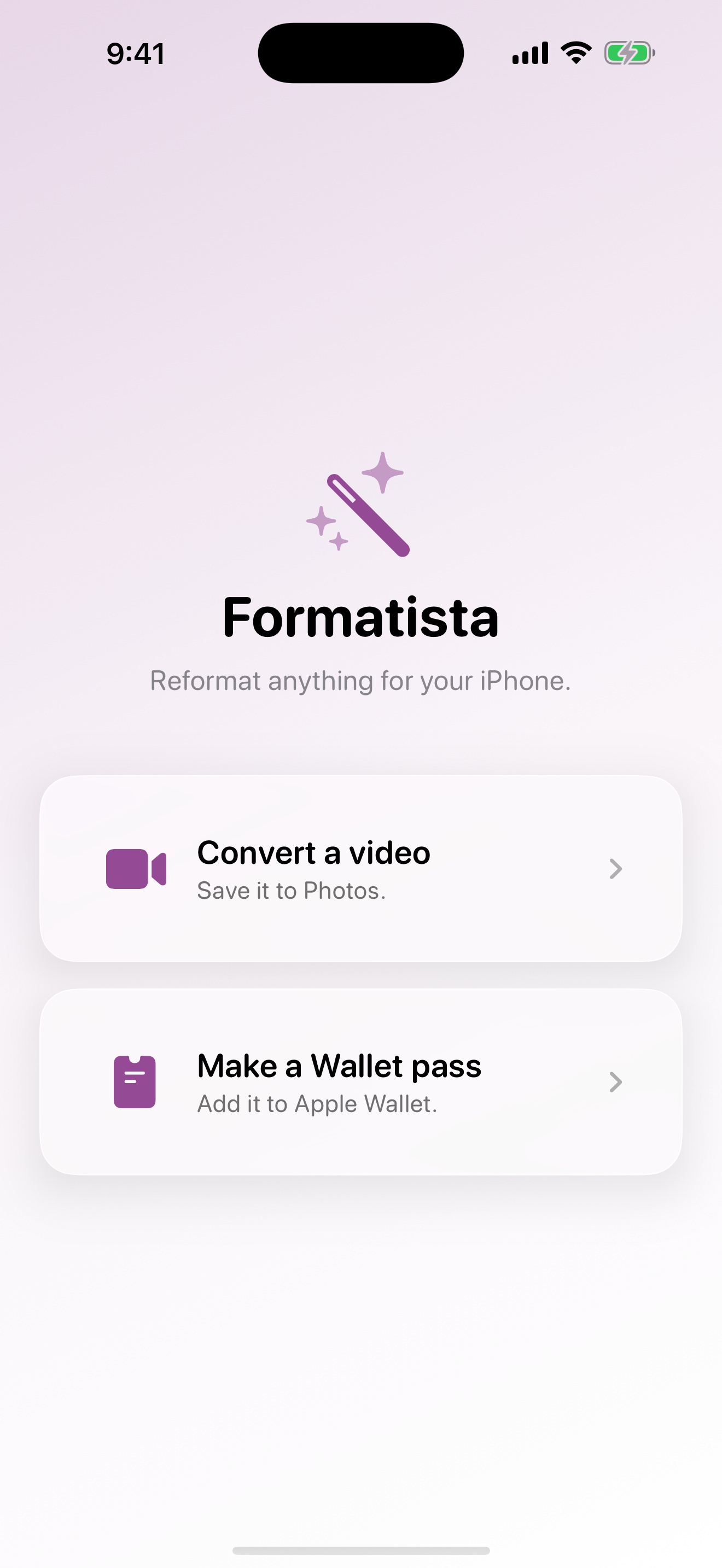


Now: Apple Wallet passes too.
Snap a photo of a QR code, drop in a PDF ticket, or type a few details.
Formatista reads what's there, lets you tweak the layout, and signs a real
.pkpass that lands straight in Apple Wallet — alongside your
airline boarding passes and concert tickets.
- Five pass styles: generic, event ticket, boarding pass, coupon, store card.
- QR, PDF417, Aztec, and Code 128 barcodes.
- Vision auto-detects the code in your image; PDFKit auto-fills text from your document.
- Pick from a curated palette or set custom colors.
- Signed locally with your Pass Type ID — your Wallet pass never leaves the device.


How it works
-
1 — Pick what you've got
A weird video file. A QR-code screenshot. A PDF ticket. A URL.
-
2 — Formatista does the work, on-device
Apple-native engines when it can, full ffmpeg when it must, Vision and PDFKit when you're making a Wallet pass. Nothing leaves your iPhone.
-
3 — Lands where it belongs
Videos go to Photos. Wallet passes go to Wallet. Done.
Formats we handle
Built with privacy in mind
- Conversion happens entirely on your device.
- No analytics. No tracking. No account.
- The only network request we make is the URL you ask us to download.